Mango9 Create documentation
Video and voice
Create the motion and audio your story needs.
Plan your scenes
Use Scenes to organize the visual and narration requirements of your project. Review the image, video, and audio associated with each scene before assembling the whole story.
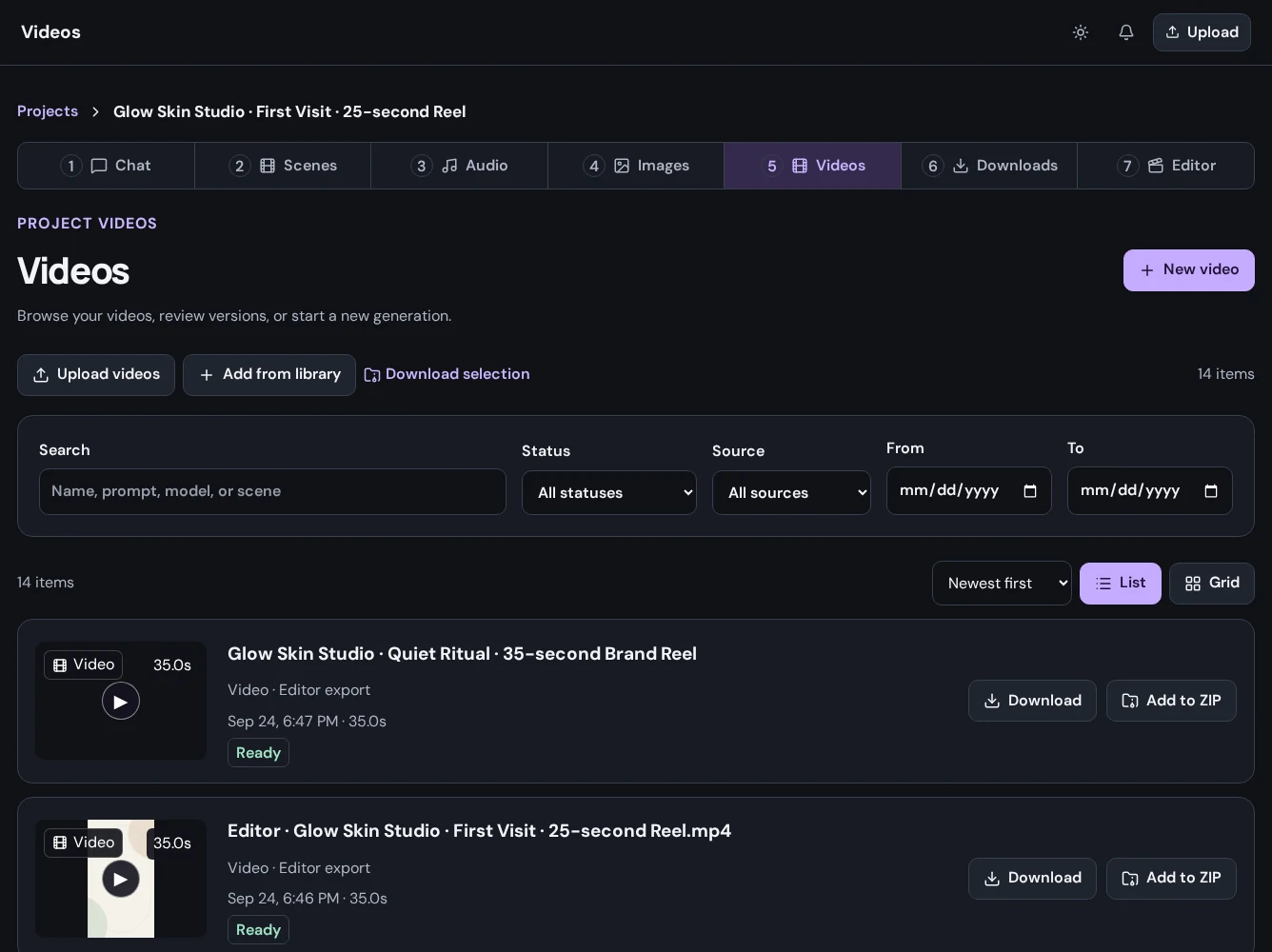
Generate video
Open Videos and begin a new generation. Choose an available model, provide its required inputs, and review duration, format, and other supported settings. Some models support reference images or different input modes; use the controls shown for the model you select.
Create audio
Open Audio to work with narration and other audio assets. Review the text and available voice settings before generating. Listen to the completed result and check pronunciation and pacing before using it in the edit.
Keep an eye on jobs
Generation is asynchronous. Wait for a completed result before downloading it or expecting it in the editor. If a job fails, inspect the displayed error and check your inputs before retrying; avoid repeatedly submitting the same request.