Mango9 Create documentation
Export and download
Get finished files out of your project.
Download an individual asset
Open Images, Videos, or Audio, select a completed result, and choose Download. Follow job progress in the same library while a generation is running.
Export a finished video
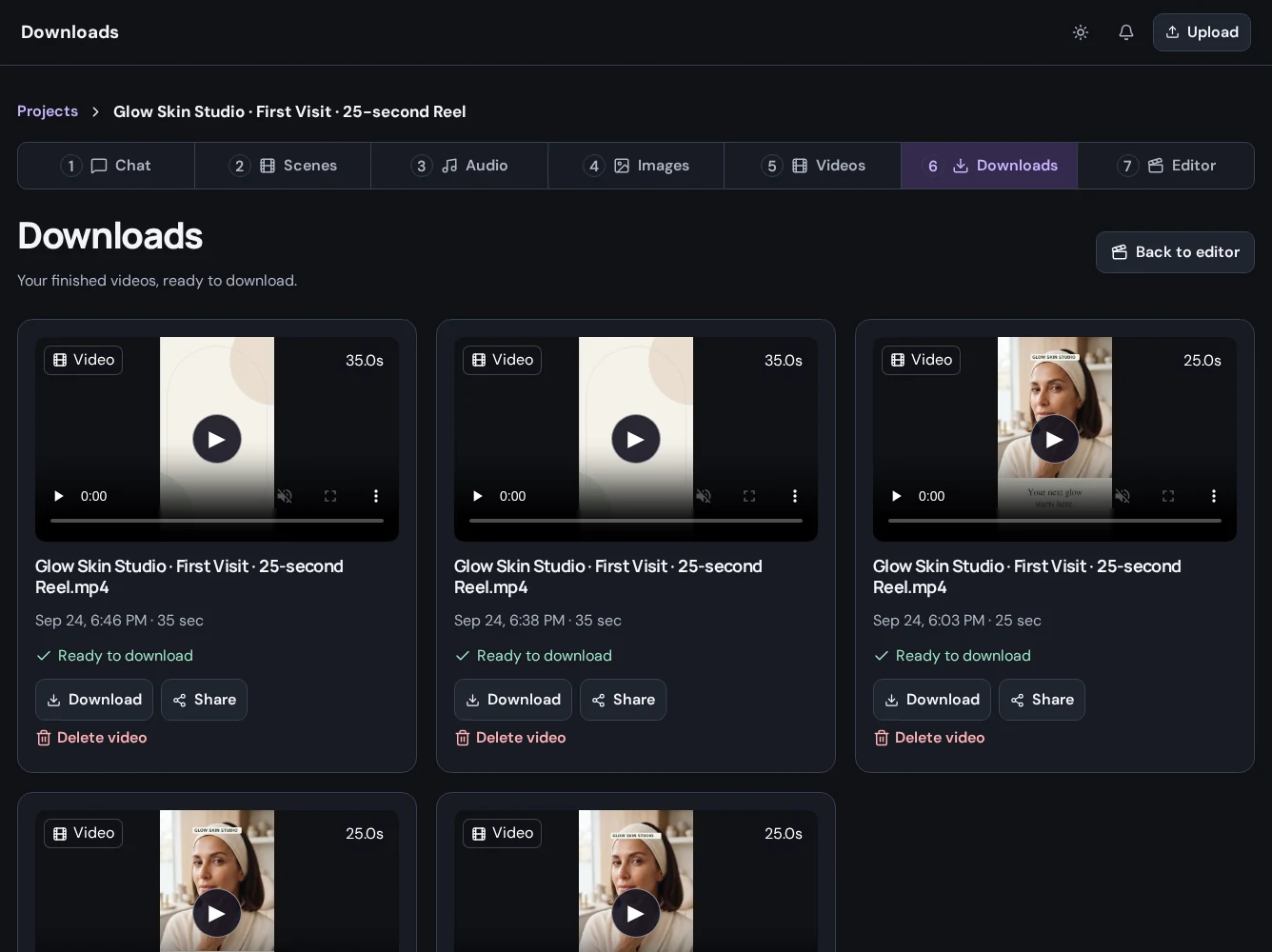
In Editor, choose Export Video and review the available export settings. Submit the export and allow processing to finish. Open Downloads to find completed outputs and inspect their status.
Check your delivery
Play the downloaded file from beginning to end. Confirm the picture, audio, captions, duration, and format before sharing it with a client or publishing it.
Keep the project
Your exported file is the deliverable; your project contains the material you can revisit for another version. Use clear names so you can find the right result later.