Mango9 Create documentation
Generate and refine images
Prompts, references, versions, and the image library.
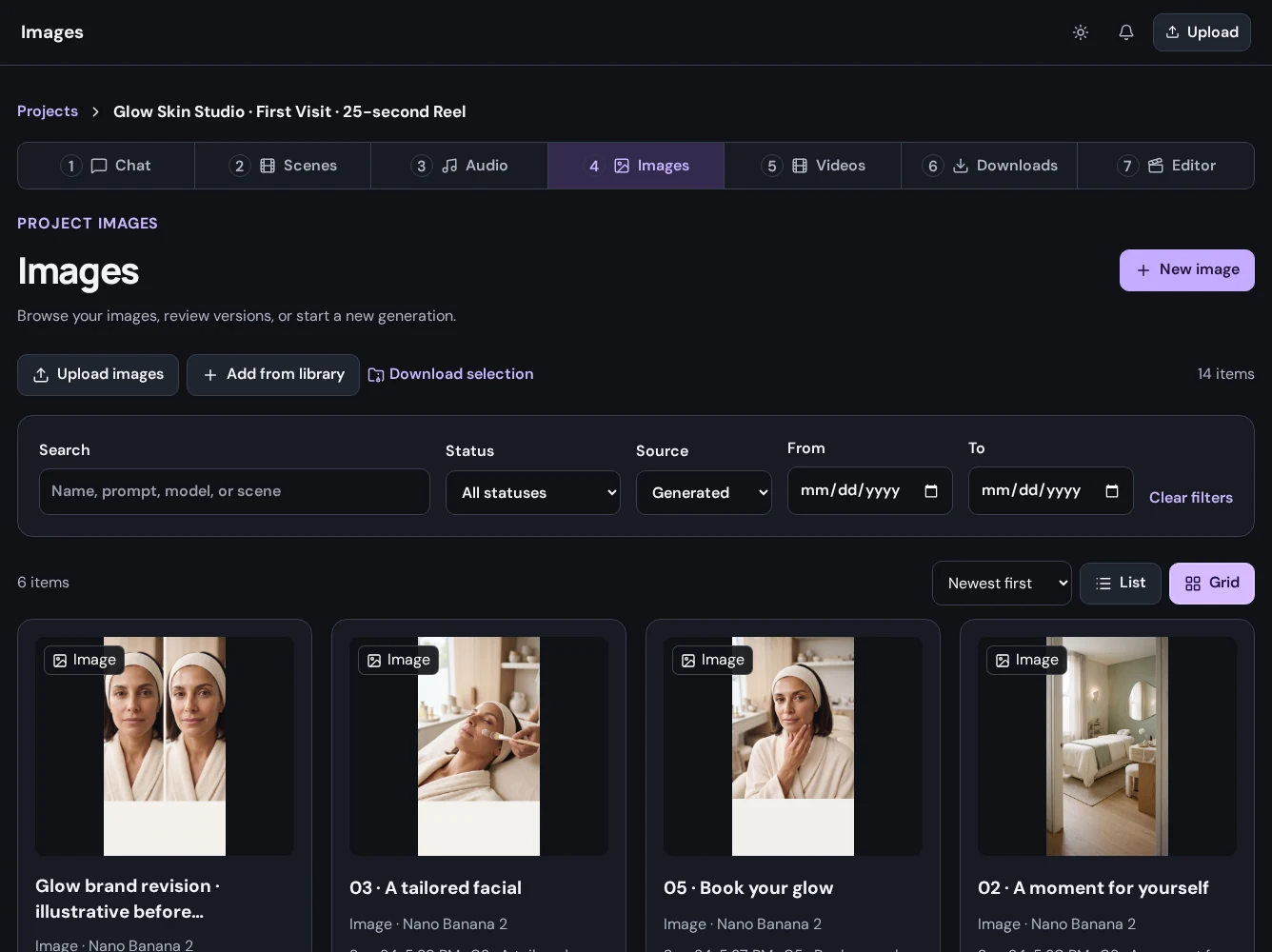
Open Images
Select your project, then Images. The library brings uploaded images and generated results together. Use its search and filters to find an earlier result.
Generate an image
- Choose New image.
- Enter a clear generation prompt and select a scene when applicable.
- Select an available model and review its supported settings.
- Add supported references if your selected model accepts them.
- Review the request and cost information, then confirm generation.
- Wait for the job to complete before reviewing or downloading its result.
Make another version
Use Regenerate as new when available to build on a previous result. The original prompt remains part of the earlier generation's history; your revised prompt creates a separate request.
Use your own media
Upload files or add permitted media from your library. Confirm that the upload has finished before trying to use it in another operation.