Refine the first cut
Move or trim clips, adjust timing, and simplify the sequence until the message is easy to follow.
Get startedAI editing & video editor
Use chat to develop your next creative change, generate new material, and finish the sequence in the editor. Bring scenes, video, and voice together on a timeline you control.
Explore Mango9 Create
Develop changes in chat, generate new material when needed, and take control of the finish in the editor. Keep the preview and final output at the center of your decisions.
01 / AI editing & video editor
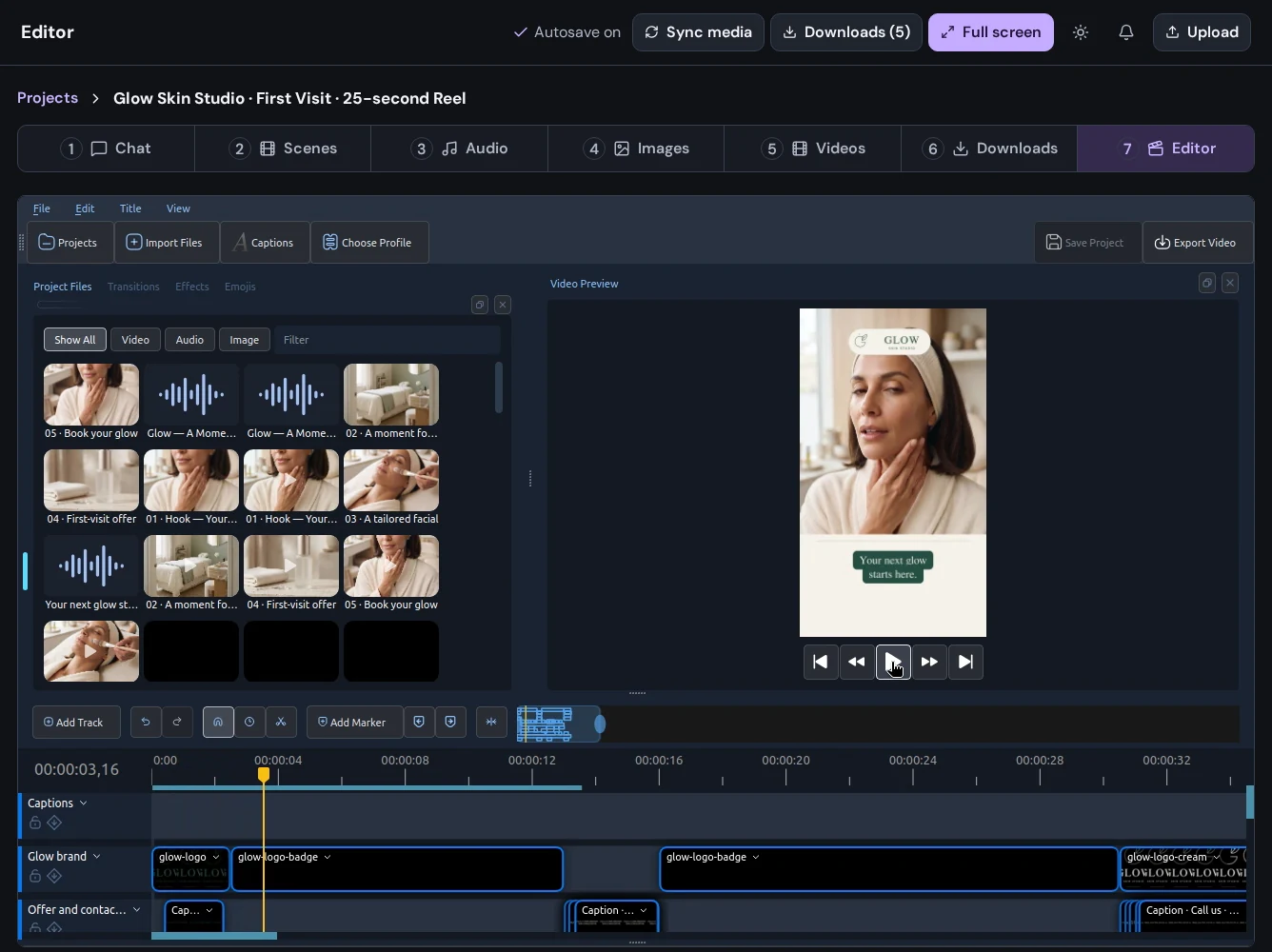
Arrange clips, shape the pacing, and bring audio and visuals together. Preview your timeline, refine transitions and captions, and bring new project media into the edit.
02 / AI editing & video editor
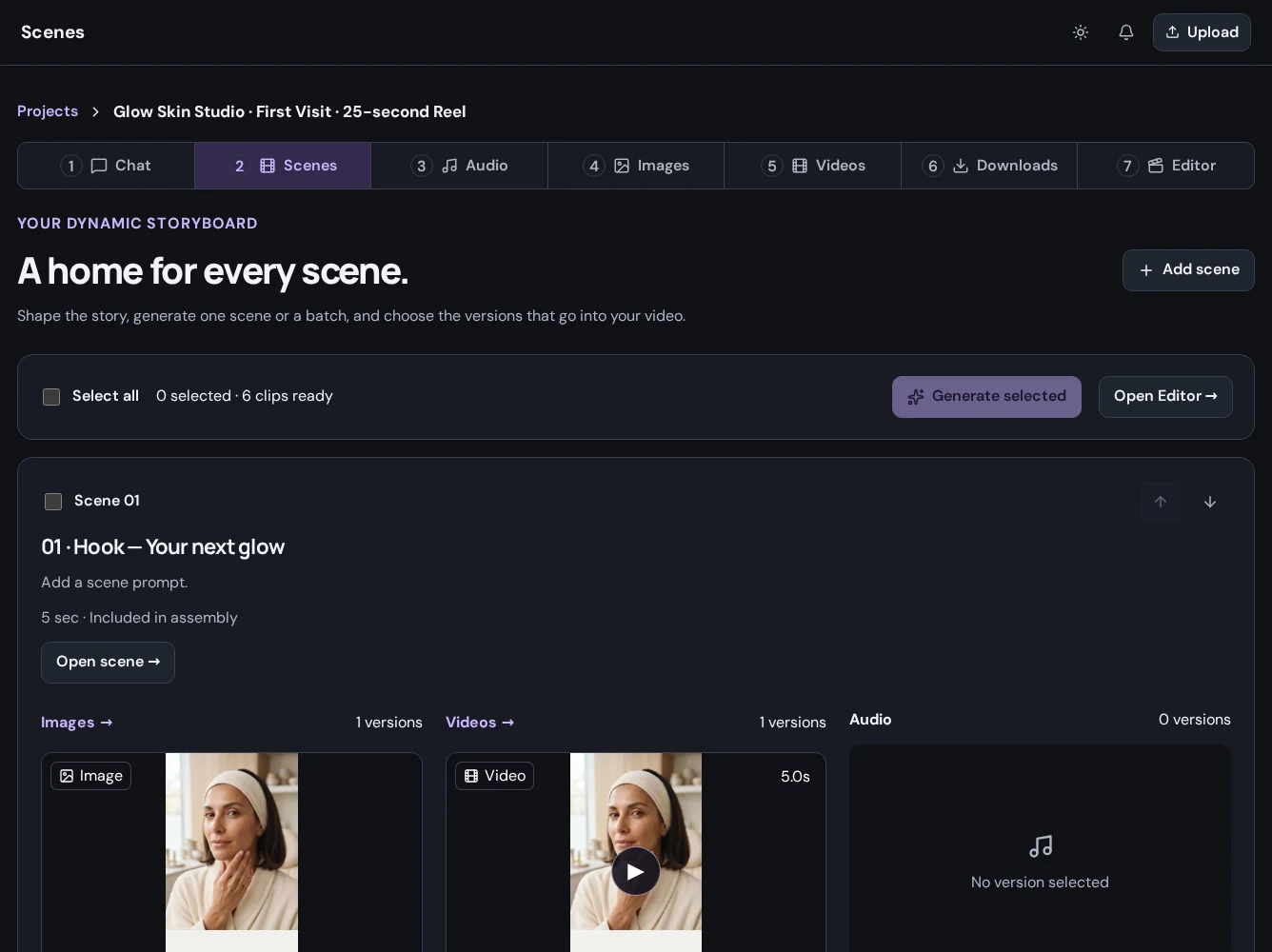
Organize the images, video, and audio you want to use. When you create new material after opening the editor, sync project media so it is available for the next edit.
03 / AI editing & video editor
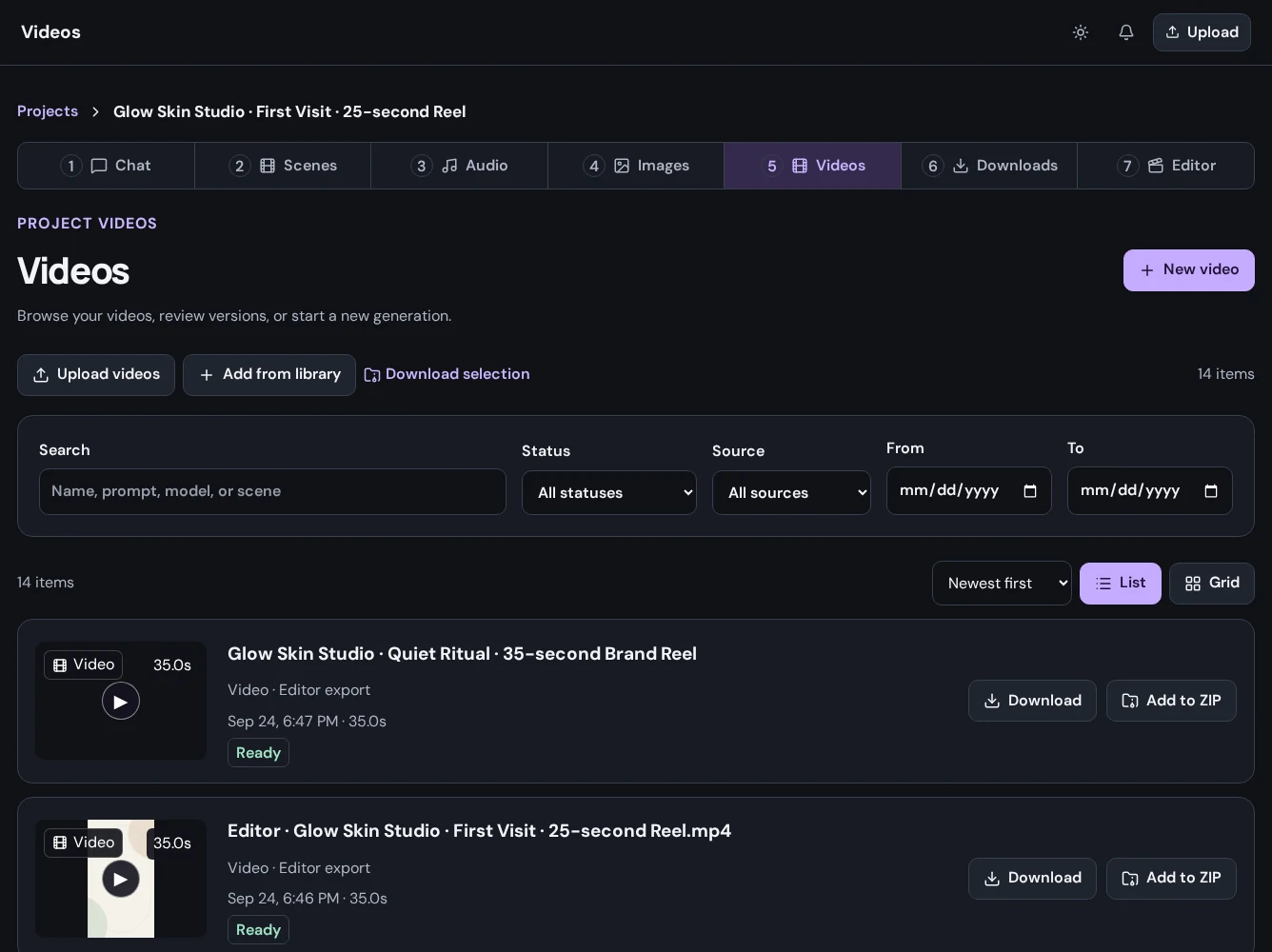
Play the sequence with its audio, match the narration to the visuals, and adjust clip timing and transitions. Preview your changes, then export the finished video.
04 / AI editing & video editor
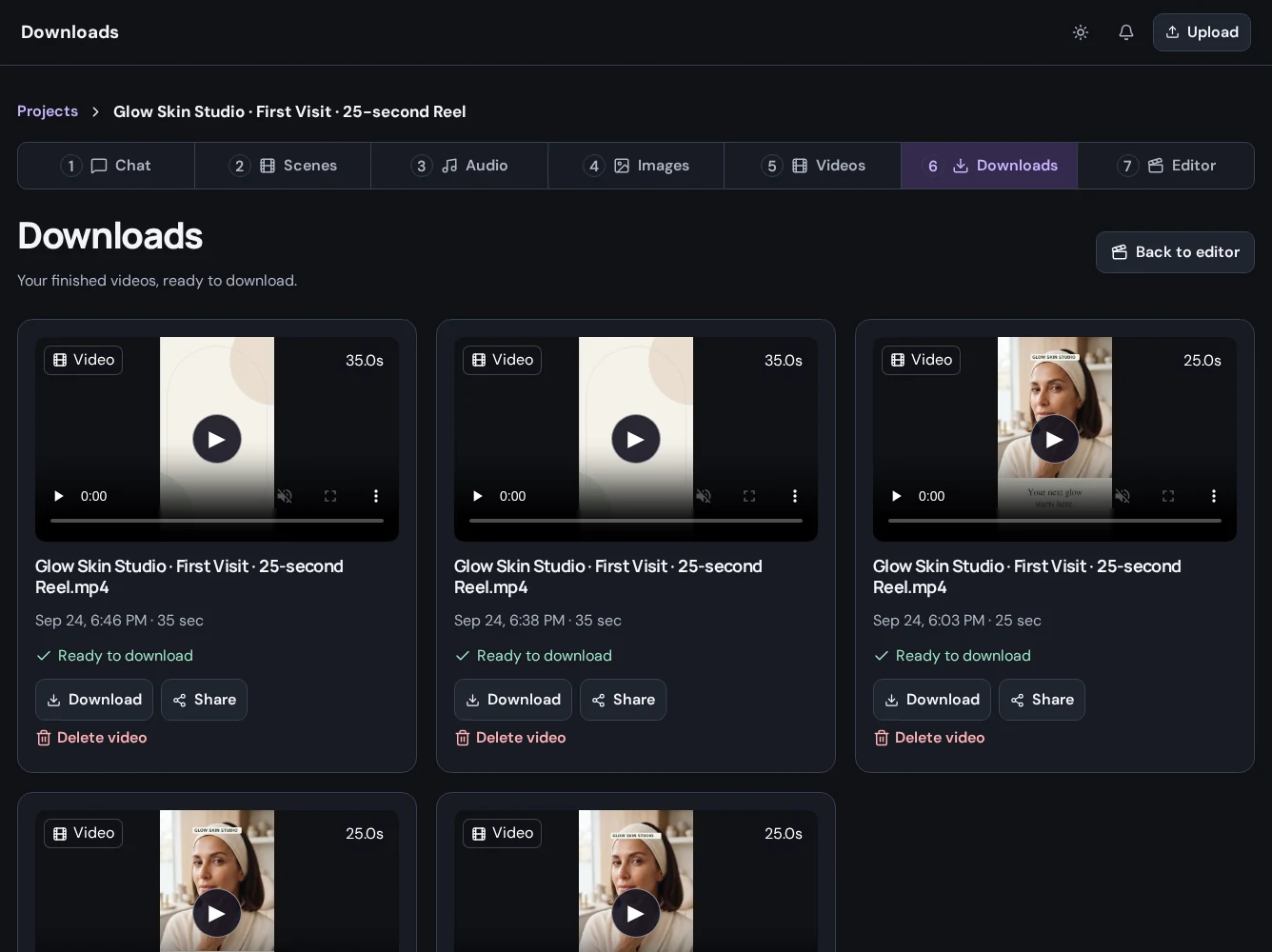
Download an individual image, video, or audio result, or export the sequence you assembled in the editor. Review the finished file before sharing it, and return to the project when the campaign needs its next version.
Put it to work
Move or trim clips, adjust timing, and simplify the sequence until the message is easy to follow.
Get startedCombine pictures, voice, titles, and transitions, then check the exported file from beginning to end.
Get startedUse the developer API to apply timeline commands, preview a range, or create variants from a versioned template.
Get startedA little more detail
Find the practical next step in the Create guides, or talk to Mango9 about your workflow.
Yes. Upload supported files to a project, attach the material you need, and sync it into the editor.
The API exposes timeline state and editing commands for clips, tracks, audio, captions, effects, and transitions. Commands use the current revision and an idempotency key to handle concurrent work and retries.
Watch the exported file. Check picture, audio, captions, opening and closing frames, and the intended duration and format.
Builder and Create share your Mango9 account and plan. Sign in with your existing account, or create one to start building apps and making content.
Make your next idea happen
Already using Builder? Continue with your Mango9 account.
Explore the Create guides